Before you plan
Questions travelers ask first
Clear answers about multi-modal planning, AI suggestions, collaboration, privacy, and pricing.
What is Smooth Traveling?+
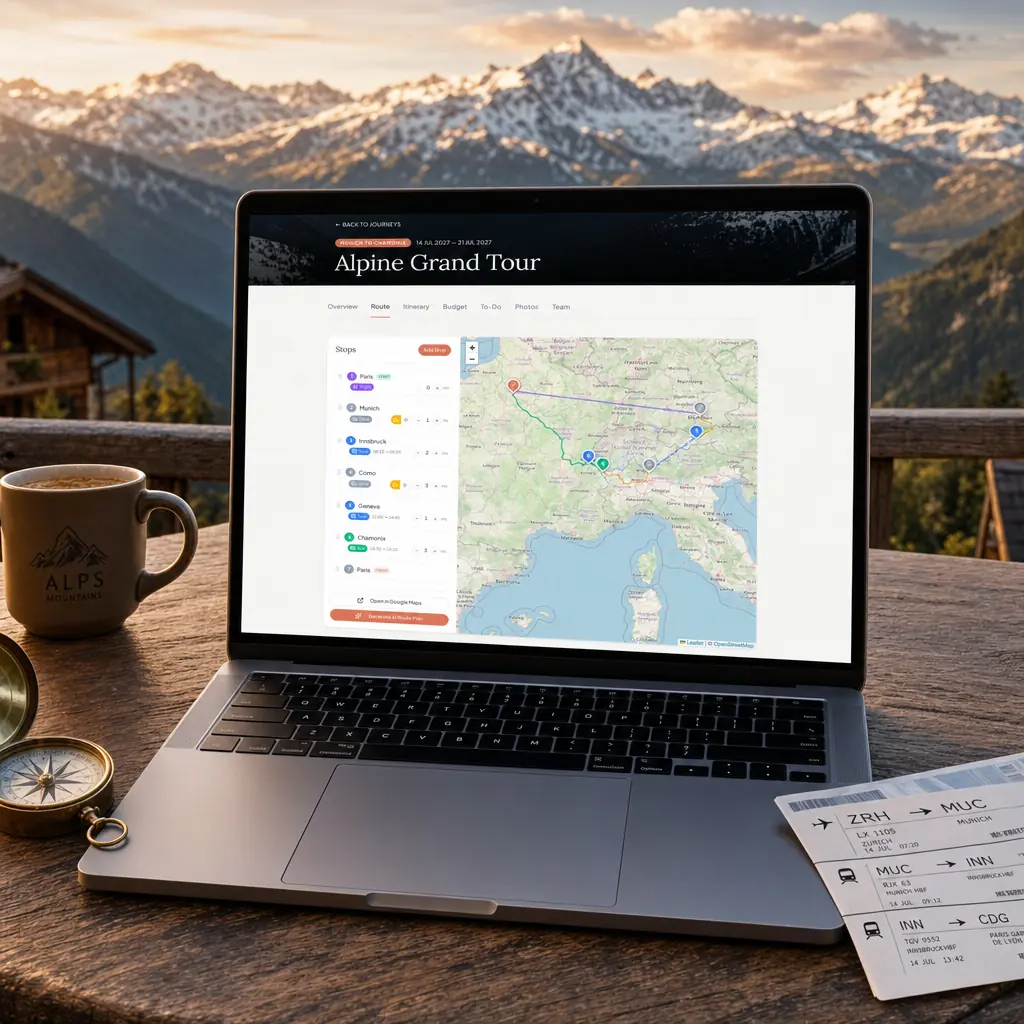
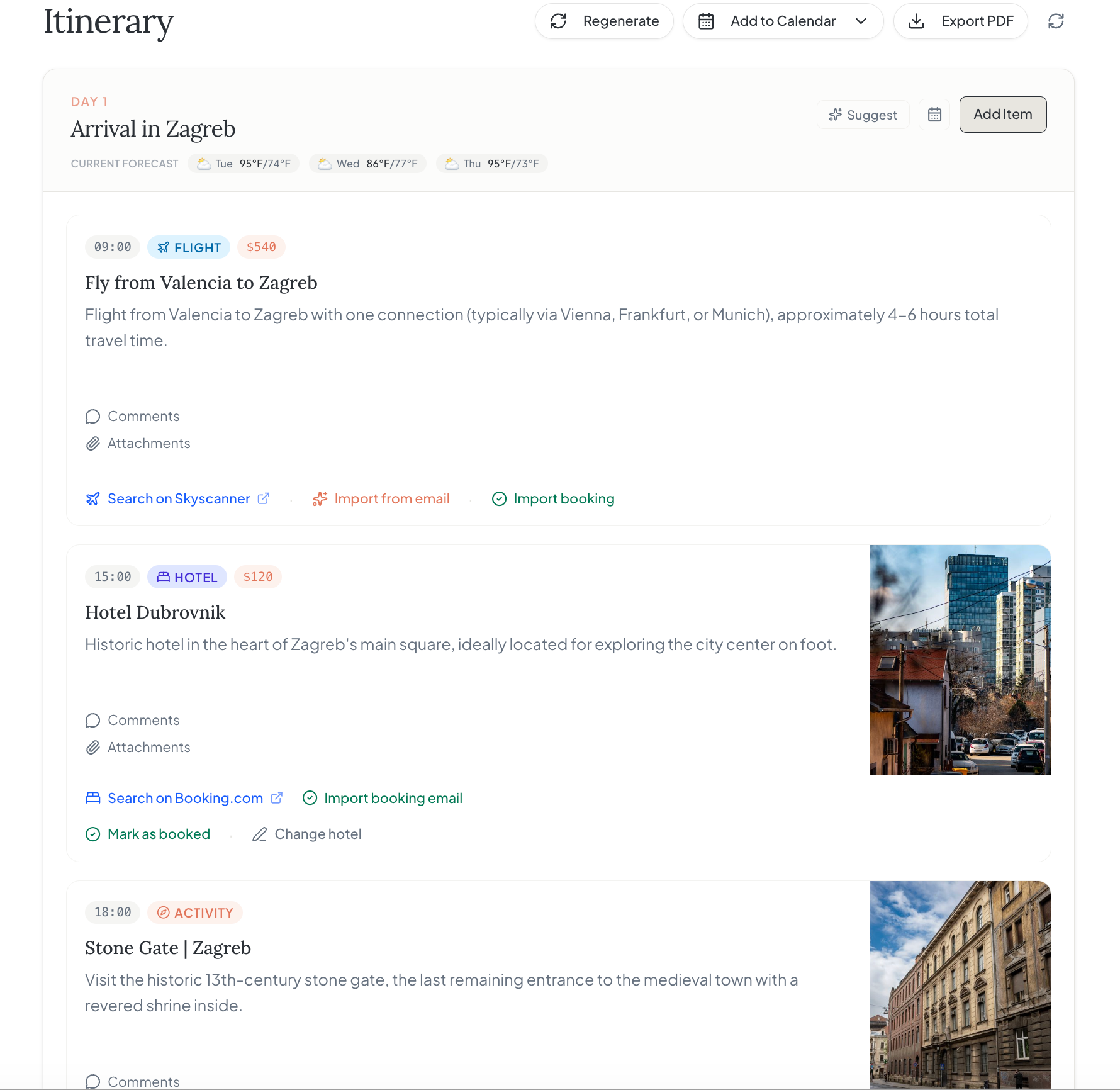
Smooth Traveling is a web-based trip planner for building day-by-day itineraries, connecting flights and overland legs, coordinating with travel partners, tracking budgets, and keeping trip memories together.
Can I plan a road trip or a trip with multiple transport modes?+
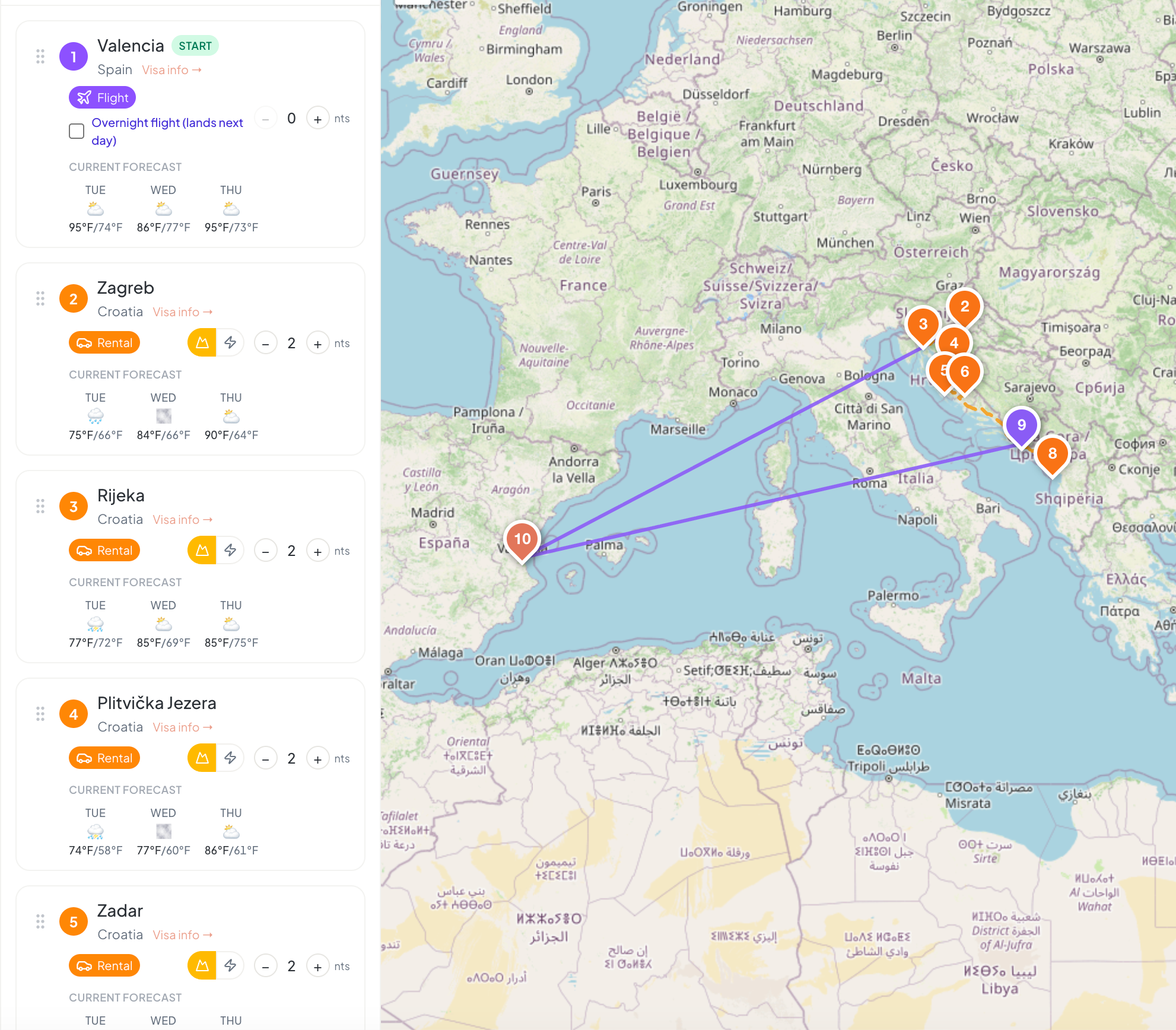
Yes. You can combine flights, trains, buses, ferries, and driving legs in one route, including multi-day stops and border crossings. Smooth Traveling is a planning tool, so you still confirm schedules and bookings with the relevant provider.
How does the AI handle venue suggestions?+
For restaurant and activity requests, Smooth Traveling can use real-place lookup when results are available. Not every AI suggestion is a venue suggestion, so treat all output as planning help and confirm opening hours, availability, and suitability directly with the provider.
Where can I see my itinerary places on a map?+
Open your trip's Itinerary tab, find Maps by stop, and click Show map. Choose a destination in the Stop dropdown to see only places from itinerary days in that city and country. Hotels are purple, restaurants orange, and activities teal. Filter by category or day, search the place list, and click a place or marker to inspect it. Transport items and notes are not venue pins. Use Hide map to close it; there is no separate Map tab.
Why is an itinerary item missing from the map?+
Only hotels, restaurants, and activities with a reliable location match receive a pin. Unmatched items remain in the unlocated list: no map match found means a reliable location was not found, while lookup unavailable means the location service could not complete the search. Include a specific venue name and street address in the item title and check the itinerary day's city and country. Event names can appear alongside the venue and address. Generic items such as Lunch or Free time may not have a location. The app does not invent a city-center pin, and map matches may be approximate. An internet connection is needed for location lookups and map tiles.
Can I collapse my itinerary by day or destination?+
Yes. In the Itinerary tab, choose Day or Stop under Collapse by. Click a day or stop heading to collapse or expand that section, or use Collapse all and Expand all for the selected grouping. Stops group consecutive days at the same destination, so a later return visit appears separately. Your view is remembered per trip in your browser and is private to you, not shared with collaborators. Collapsing does not delete items or remove days from printed itineraries or complete itinerary PDF exports.
Can my travel companions help edit a trip?+
Yes. Invite up to 3 collaborators per trip on Free or up to 10 on Pro to work on the same trip in real time. You can keep the itinerary, transport details, and budget in one shared workspace instead of passing around separate notes.
Does Smooth Traveling book flights, hotels, or activities?+
No. Smooth Traveling helps you research and organise a trip; it is not a booking platform or travel agent. Make reservations directly with airlines, hotels, venues, and other providers, then store the relevant details in your plan.
How does budgeting work across currencies?+
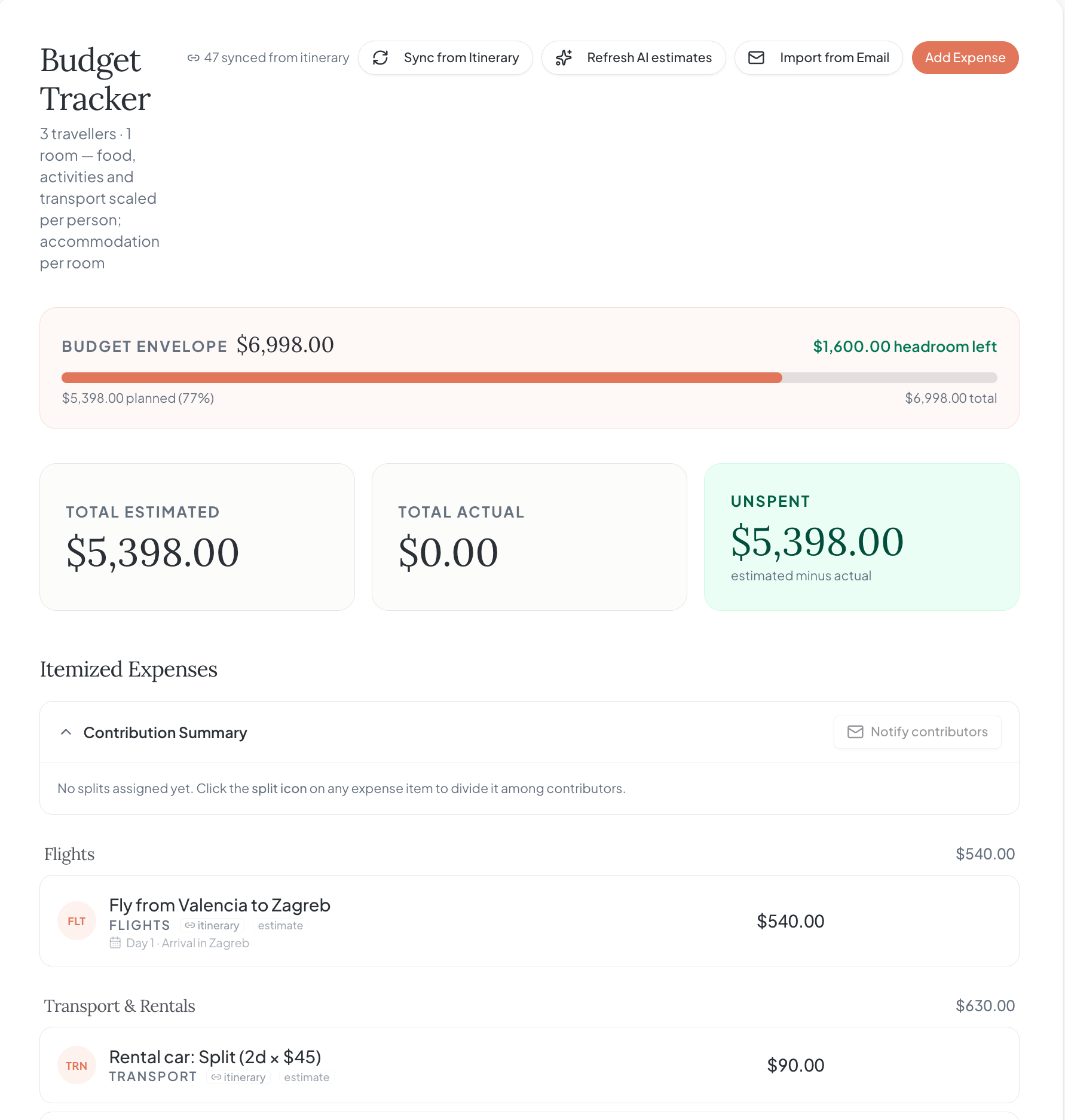
Add estimated and actual costs by category and choose a trip currency. The budget view helps you compare spend with your overall plan, including trips that cross borders and use more than one currency.
Are my trips private?+
Your trips are private to your account unless you choose to share a trip with collaborators or create a share link. We do not publish your itinerary as a public customer story without permission.
Is there a free plan and what does Pro cost?+
Yes. Free includes your first 3 real trips, manual planning, basic USD budgeting, up to 3 collaborators per trip, and 5 one-time starter AI credits. Pro is $14/month or $120/year: unlimited trips, 40 AI credits each month, up to 10 collaborators per trip, multi-currency budgets, complete itinerary PDFs, and live calendar sync. Building a trip costs 2 credits; other AI actions cost 1. Extra credit packs are sold separately. Start without a credit card and compare the plans on the pricing page.
Why pay for Smooth Traveling when Google Docs and Wanderlog's free tier are free?+
You may not need to pay. If a shared document or another planner handles your trip, keep using it. Smooth Traveling puts flights, trains, buses, ferries, and drives in one route, lets your companions edit together, and splits costs without a separate spreadsheet. Pro adds multi-currency budgeting, 40 monthly AI credits, complete itinerary PDFs, and live calendar sync. Try Free first and upgrade only if those tools save you planning work.
Can I export my data if I stop using the app?+
Yes. While signed in, open Settings and download a JSON backup of your trip data before deleting your account. Pro also includes complete itinerary PDF export and calendar sync. A PDF is a readable copy, not an editable backup; keep the JSON file if you want your trip records. Deleting your account erases its trip data and private uploads, so download what you need first.
Can I use Smooth Traveling on my phone or offline?+
Yes. Use the web app in your phone's browser; no app-store download is required. Open a trip while connected first: offline access relies on previously cached data and cannot load a trip you have not opened. Supported edits to existing items can queue for reconnection, but creating trips, uploading photos, AI requests, and live collaboration need an internet connection.
How do cancellation and refunds work?+
Manage a paid subscription from the pricing page using Manage subscription, which opens Stripe's billing portal. Review the cancellation details and end date there before confirming. For a refund request or billing question, contact support through the Contact page. We do not advertise a money-back guarantee; ask about your specific purchase before relying on a refund.
How can I request account deletion?+
Open Settings while signed in, download a backup if you want a copy of your trips, then choose Delete account and type DELETE to confirm. We erase your trips, shared-trip membership, account-authored content, and private uploads before deleting your Clerk account and active sessions. If cleanup is interrupted, access is blocked and you can retry deletion or contact support. Anonymous operational analytics and error records may be retained without your account identity, and payment records remain with Stripe where required by law.